View Configuration
The View configuration menu provides a convenient, read-only view of the underlying configuration of every system component and load balancing service on the appliance. It’s useful for confirming that a service has been configured as expected and for diagnosing configuration or network issues, as it shows exactly how each component has been set up. For more information on using these views when troubleshooting, see Diagnostics & Troubleshooting.
| The pages under View configuration are read-only. Configuration changes are made using the relevant WebUI menu (for example Network or Cluster Configuration); any changes made are then reflected in the corresponding View configuration page. |
Viewing a Configuration
-
Using the WebUI, navigate to View configuration.
-
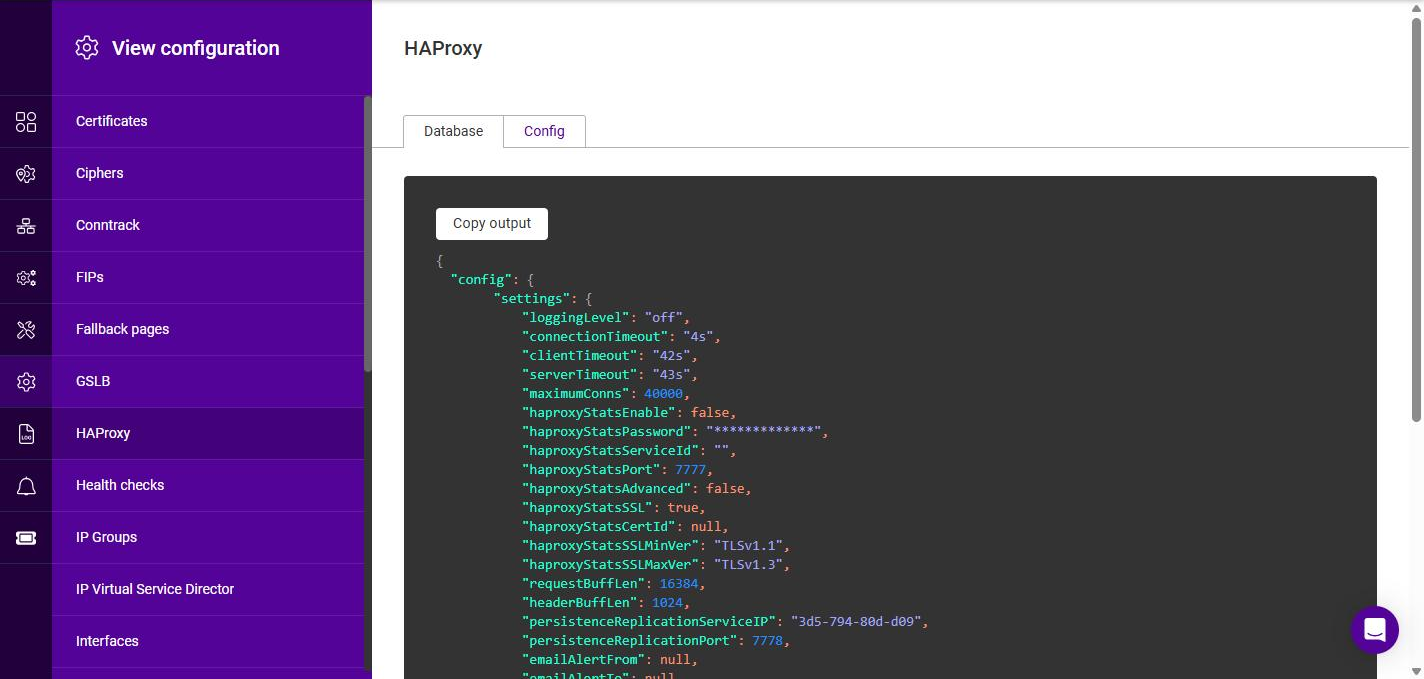
From the submenu, select the component or service whose configuration you’d like to view, e.g. HAProxy.
-
The configuration is displayed in the panel on the right. For most components the configuration is presented as it is stored in the appliance database, on the Database tab.
-
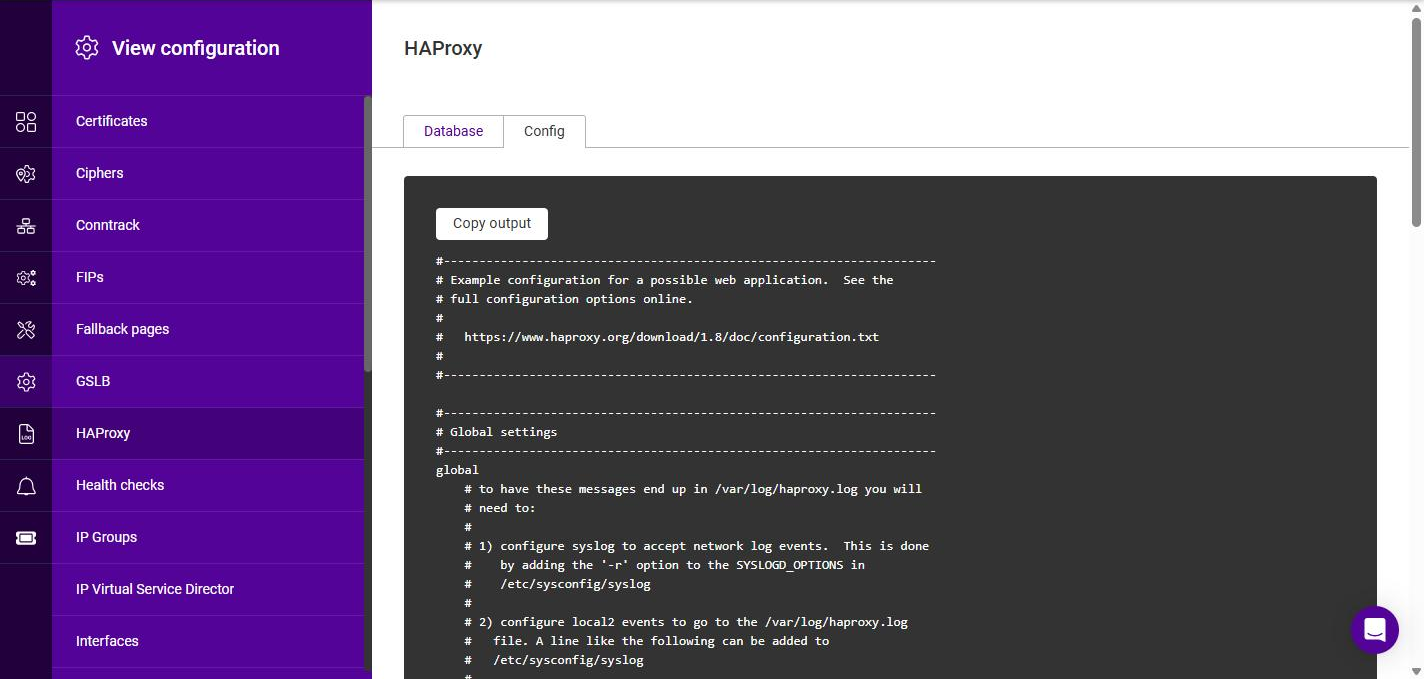
Where a component also generates its own configuration file - or has additional configuration or live runtime state - one or more extra tabs are displayed. Use the tabs at the top of the panel to switch between the available views. For example, the HAProxy page provides an additional Config tab that shows the generated HAProxy configuration file:
-
Click Copy output to copy the currently displayed configuration to the clipboard.
Available Configuration Views
The following configuration views are available. Where the relevant setting is configured elsewhere in the WebUI, the applicable section of this manual is referenced.
| View | Tabs | Description |
|---|---|---|
Certificates |
Database |
The SSL/TLS certificates held on the appliance. See SSL Certificates. |
Ciphers |
Database |
The configured SSL cipher lists. See SSL cipher lists. |
Conntrack |
Database, Config |
The connection tracking (conntrackd) configuration, used to synchronize connection state between cluster nodes. See HA Node Communication. |
FIPs |
Database |
The configured Floating IPs. See Floating IPs. |
Fallback pages |
Database |
The configured fallback pages. See Fallback pages. |
GSLB |
Database, Polaris Lb, Polaris topology |
The Global Server Load Balancing (Polaris) configuration, including the generated Polaris load balancing and topology files. See GSLB Services. |
HAProxy |
Database, Config |
The Layer 7 configuration, including the generated HAProxy configuration file (Config tab). See Layer 7 Services. |
Health checks |
Database |
The configured health checks. See Health checks. |
IP Groups |
Database |
The configured IP groups (subnets). See IP Groups (Subnets). |
IP Virtual Service Director |
Database, Config |
The Layer 4 configuration, including the generated director configuration file (Config tab). See Layer 4 Services. |
Interfaces |
Database |
The network interface configuration. See Interfaces. |
Logs |
Database |
The log retention configuration. See Logs Configuration. |
NF Tables |
Loaded Rules |
The live firewall (nftables) ruleset currently loaded on the appliance. |
Prometheus |
Database |
The Prometheus collector configuration. See Prometheus. |
PulseHA |
Database |
The high availability (clustering) configuration. See High Availability Configuration. |
RBAC |
Database |
The users, roles and groups that control access to the appliance (role-based access control). See Roles & groups. |
Regions |
Database |
The configured regions. See Regions. |
Routes |
Database |
The appliance routing table. See Routing. |
SIPs |
Database |
The configured Static IPs. See Static IPs. |
SNMP |
Database |
The SNMP configuration. See SNMP Configuration. |
Service IPs |
Database |
The configured Service IPs. See Service IPs. |
Sidecar |
Database |
The configuration of the internal appliance management service (sidecar). |
System |
Database |
System-level node settings, including hostname, date & time and user interface settings. See Local Configuration. |