L7 monitor
The L7 Monitor template sets up a frontend monitor - a lightweight frontend whose only job is to report on an existing Layer 7 service rather than to load balance traffic of its own.
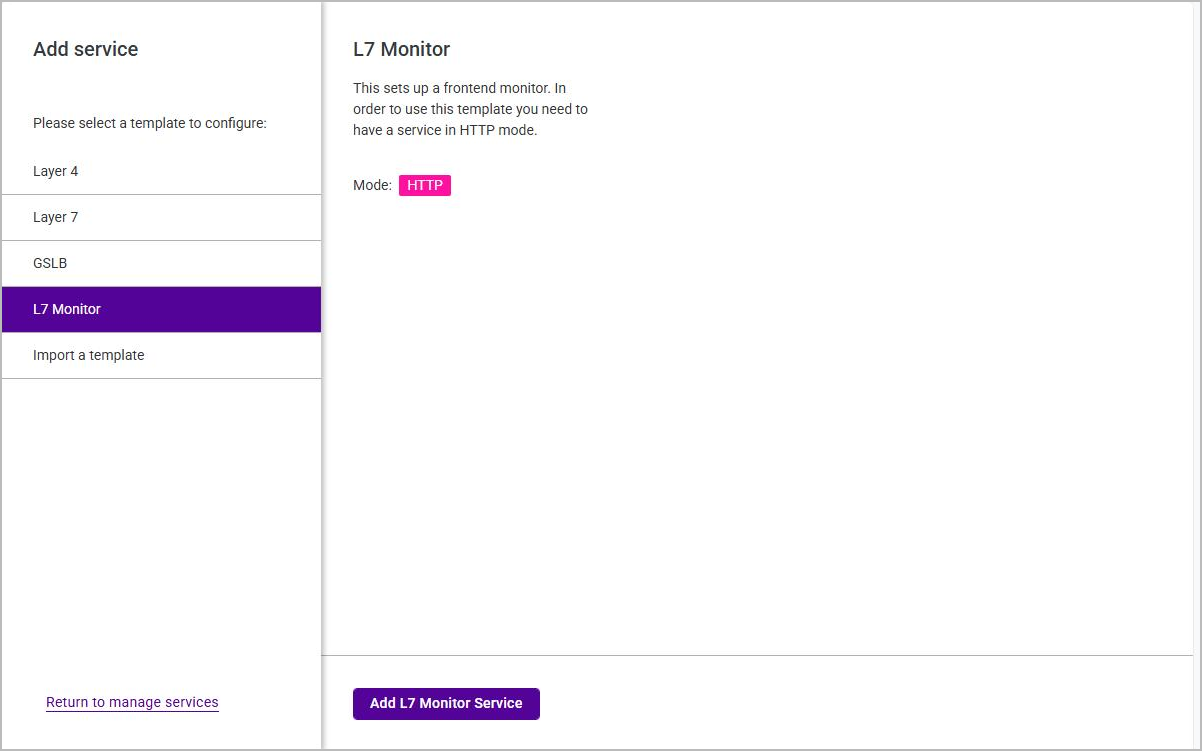
The template has a prerequisite: at least one Layer 7 service in HTTP mode must already exist. Until one does, L7 Monitor is greyed out on the Add service page and cannot be selected. Once a suitable service exists the template becomes available and the panel on the right describes it as "This sets up a frontend monitor. In order to use this template you need to have a service in HTTP mode", with a Mode badge of HTTP.
To add a frontend monitor:
-
Using the WebUI, navigate to Services and click Add service.
-
Select the L7 Monitor template, then click Add L7 Monitor Service.
-
Complete the Step 2 Monitor sub-steps - General and Floating IP - then submit the monitor.
The Floating IP sub-step behaves exactly as the Layer 7 frontend’s Floating IP step: select an existing Floating IP, or create one with Add floating IP.